 TimeThere
Know when it's safe to ping. Know before DST moves your meetings.
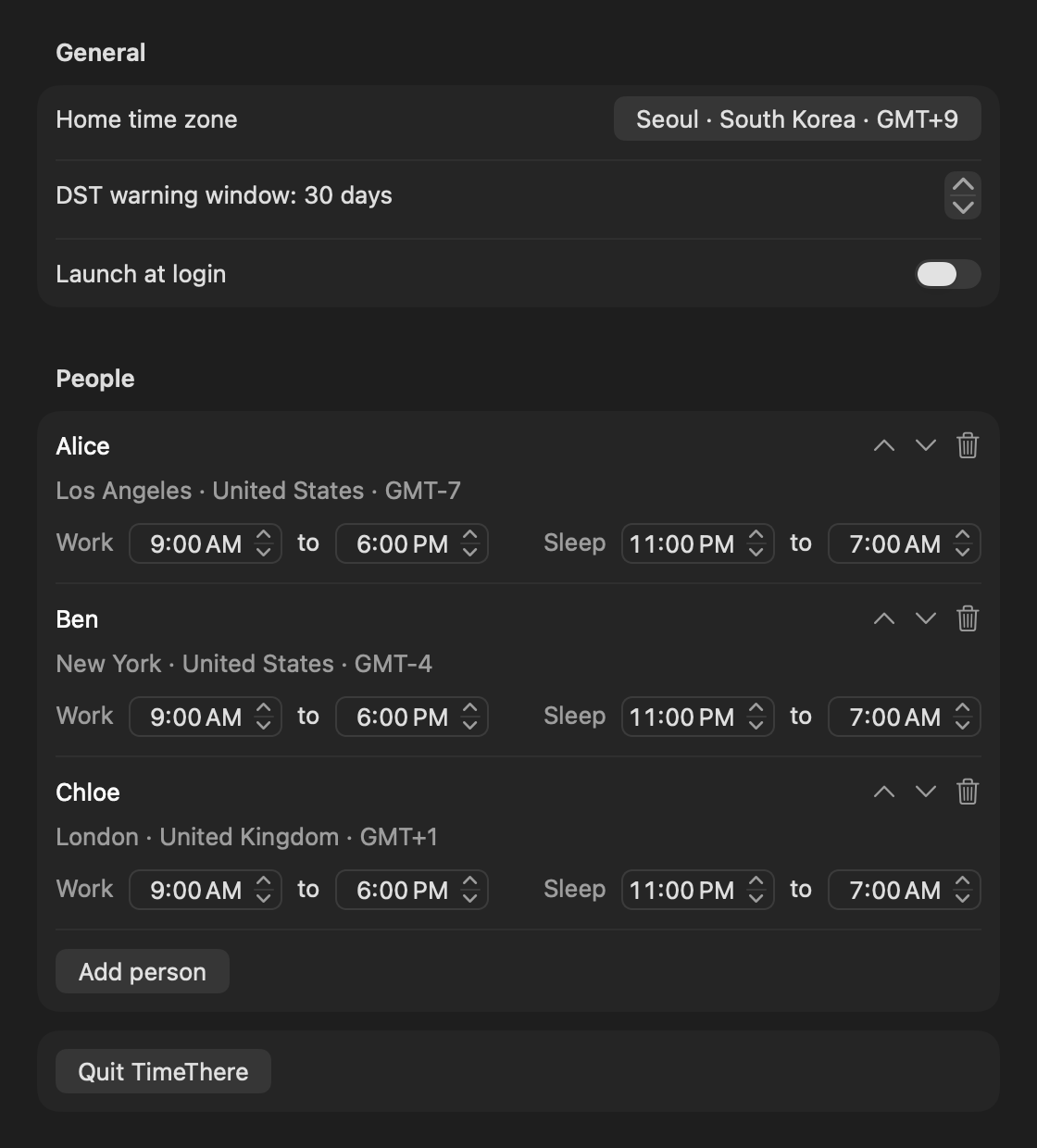
TimeThere lives in your Mac menu bar. It shows every teammate's local time, whether they are working, off, or asleep, and warns you when daylight saving time changes the time gap.
$2.99 one-time. No subscription, no account. macOS 14 or later. Launching October 2026.

Can I ping them now?
One row per person: local time, day offset, and a 24 hour waveform on your own time axis. Blue bars mean working. Gray means off hours or asleep.
DST warnings before the drift
US and EU switch on different dates, so recurring meetings slip for about three weeks each spring and fall. TimeThere tells you when a gap changes, 30 days ahead by default.
Private and quiet
Settings stay on your Mac. No account, no network access, no analytics. Drag the slider to preview another time, click a row to copy a ready-to-paste line.
Check your own team first, for free
The DST Drift Checker shows every date in the next 12 months when your time gap to a teammate changes. It uses your browser's own time zone data and needs no sign-up.